
Epoxy flake
Epoxy flake floor visualizer: every blend on their own garage.
The CoatFlow epoxy flake floor visualizer shows flake blends on a phone photo of the homeowner's own garage, patio or pool deck, and the preview is back in about 15 seconds. It shows the blends you install, built from your flake charts. Once they pick one, the finished preview becomes a short walkthrough video of their floor.
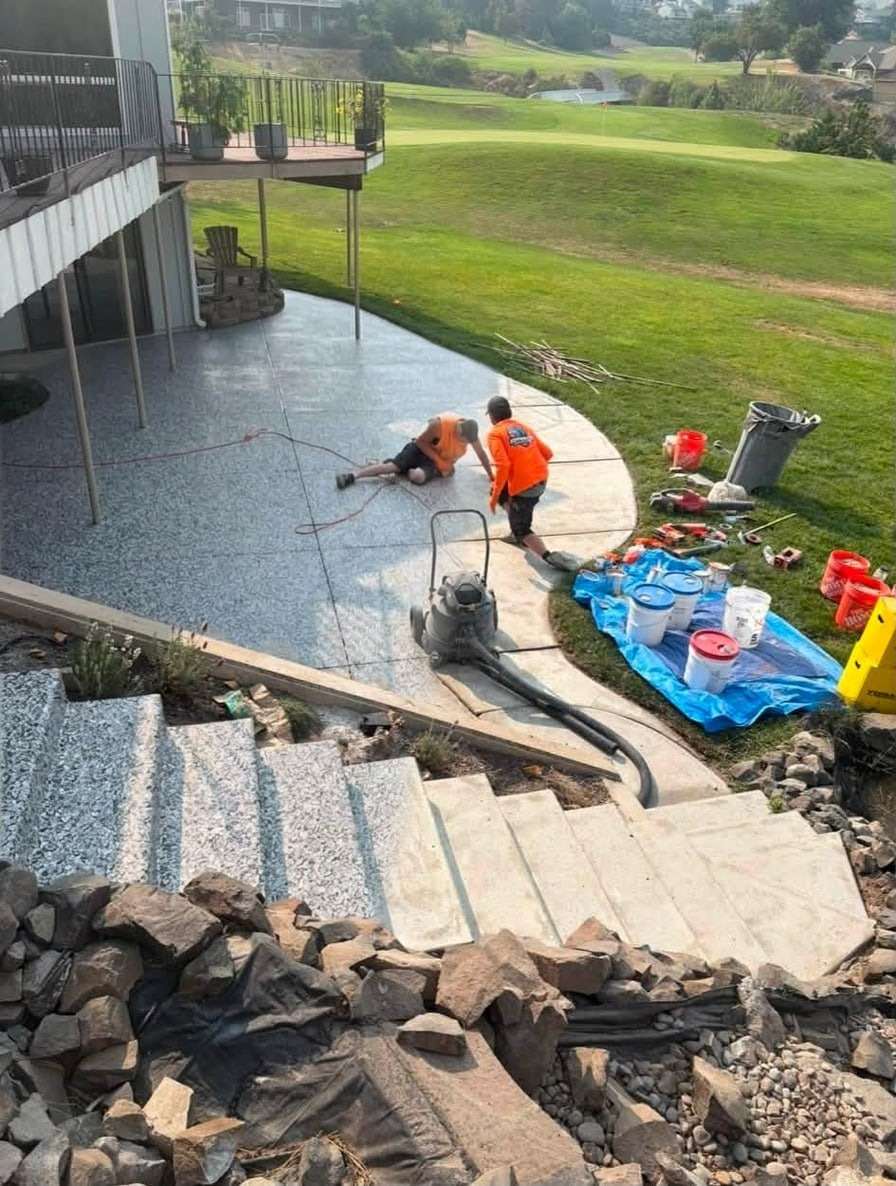
Which flake colors can they see on their own floor?
These are the flake blends in the default catalog, from Shoreline and Gravel to Domino and Blizzard. Every one renders today, on both plans.
 Cabin Fever
 Creek Bed
 Gravel
 Nightfall
 Orbit
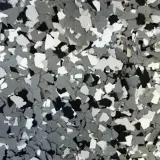 Wombat
 Tidal Wave
 Basalt
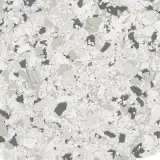 Juneau
 Schist
 Sandstone
 Stony Creek
 Claystone
 Blizzard
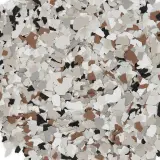 Coyote
 Gracious
 Shoreline
 Waxwing
 Thyme
 Agate
 Sycamore
 Madras
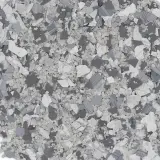 Husky
 Loon
 Comet
 Domino
 Keystone
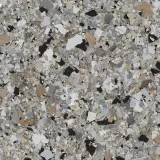 Shale
 Weathered Gray
 Armadillo
 Slate
 Obsidian
 Dolerite
 Garnet
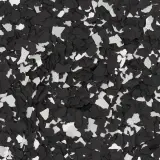 Raven
 Blacktop
 Carbon
 Outback
 Soapstone
 Arkose
 Talus
 Spilite
 Pumice
 Sable
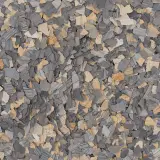 Metapelite
 Lanai Gray
 Feldspar
Your own catalog is built around the blends you install: send us your flake charts and our team sets it up for you. See the whole default catalog.
Epoxy flake
What an epoxy flake floor visualizer shows that a chip board cannot
A 4 inch chip is not a two-car garage.
A sample chip shows the colors in a blend. It cannot show how that blend reads across a whole slab, next to their walls, their cabinets and their car. The preview does.
Two or three blends, not the whole chart.
They narrow the chart to a short list on their own floor before you arrive, so the estimate visit is about the slab and the price, not the color.
Whoever was not home still gets a vote.
The preview stays at a link, so the spouse at work sees the same garage in the same blend before you come back.
Garage, patio or pool deck
A flake visualizer for garages, patios and pool decks
One phone photo of the slab is all it takes, inside or out.
01
A phone photo of the slab.
They shoot the garage, patio or pool deck from your website: JPG, PNG or HEIC up to 10 MB, straight off a phone. Nowhere near it? They can start on the demo garage, patio or pool deck.
02
One of your blends.
Any blend you install, from the catalog we build from your flake charts.
03
The whole slab, then your quote page.
The flake preview comes back in about 15 seconds, edge to edge. Your quote button then opens your own quote or booking page.
See the garage floor visualizerHow the Floor Visualizer works, step by step
Walkthrough video
Then a walkthrough video of the flake blend they picked
Once a blend is picked, one tap films a short walkthrough clip of their slab in it.
Starter
5 clips a month
3 seconds each.
Pro
10 clips a month
5 seconds each.
Each clip takes a few minutes to film. Every clip is an illustrative AI video made from the preview, not footage of an installed floor.
Polyaspartic or epoxy
Polyaspartic or epoxy? They are choosing the flake.
Homeowners rarely pick a coating system by eye. They pick the blend, and the preview is built for that choice: color and pattern across their own slab.
It does not show chemistry, cure time or a choice of gloss. The same blend renders the same way over a polyaspartic system or an epoxy one, so the system stays your call on the estimate.
See the polyaspartic floor visualizer for one-day garage floors
FAQ
Questions about epoxy flake floors
Is it an epoxy floor design tool or a blend builder?
Neither, exactly. Homeowners pick from finished, named blends and see them on their own floor. There is no chip-by-chip mixer, so every preview is a blend you can write on the quote.
Does a flake preview show chip size and broadcast density?
Not as a choice. On the default catalog, every flake preview uses one standard chip size at full coverage under a glossy topcoat. If you sell a finer chip or a partial broadcast, confirm the look with a sample board at the estimate.
How close is a flake preview to the finished floor?
Close on color and pattern, which is what homeowners are choosing. It is still an illustrative AI image, not a photo of an installed floor: the exact chip layout, the gloss and the texture come from the real job, and your sample board settles them.
Does it work on a pool deck or a patio, not just a garage?
Yes. Homeowners photograph whatever slab they want coated, inside or out. The demo rooms are a garage, a patio and a pool deck, so visitors who are away from home can still try a blend.
Other finish families
Metallic, quartz or solid color instead?
Show them the blend on their own slab.
Try 5 free renders on our live demo: no card, no time limit, a free account after the first render.