
Visualizer vs sample boards
Floor visualizer vs sample boards: a chip is not their floor.
Floor visualizer vs sample boards? Use both. A chip board shows an epoxy flake blend at hand size, in your truck or on their counter. A floor visualizer shows it across the homeowner's own floor, before you visit and at any hour. The preview narrows the choice, and the board confirms it on site.
A sample boardEpoxy flake chips, at sample size
 Shoreline
 Gravel
 Domino
 Creek Bed
 Blizzard
 Tidal Wave
Their own floorShoreline flake, previewed
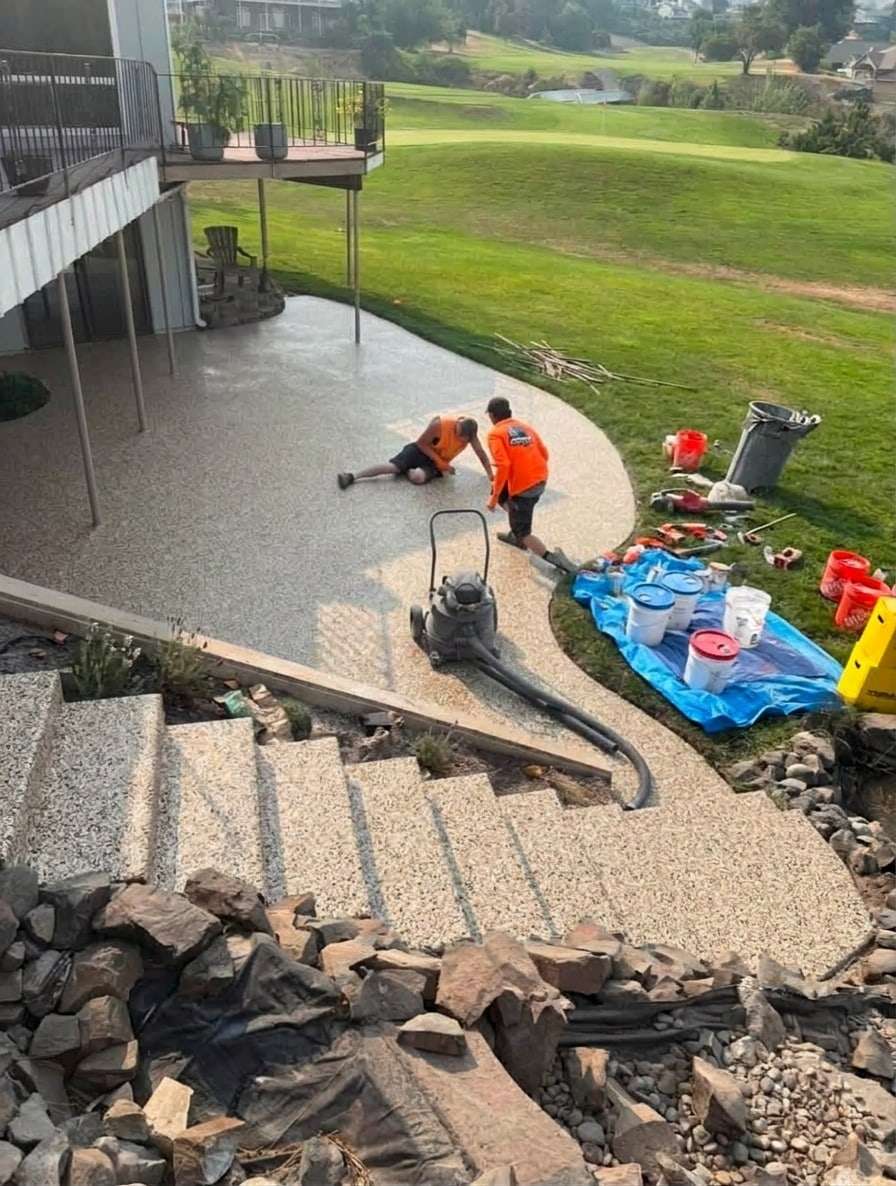
Side by side
Floor visualizer vs sample boards, row by row
| Question | Sample boards and chip charts | A floor visualizer |
|---|---|---|
| What they see | A chip a few inches across | The finish across their whole floor |
| Where they see it | Wherever the board is: your truck, your showroom, their counter | On a photo of their own garage, patio or pool deck, in its own light |
| When | At the estimate visit | Any hour, before they call you |
| Which finishes | The chips you carried that day | Every finish in your catalog, built from the products you install |
| Choosing between two | Two chips side by side | Two previews of the same floor side by side, with Compare |
| Texture and sheen | Real chips they can touch and tilt in daylight | Color and pattern only: a preview cannot show feel or gloss |
| A video of it | Not possible | A short walkthrough clip of their own floor: 5 a month on Starter, 10 on Pro |
| Who else sees it | Whoever is at the table | Anyone they share the preview with |
| What it costs you | Boards to buy, carry and replace | A plan from $99 a month; 5 free renders on our live demo to try it first |
| What it cannot do | Show the whole floor | Replace touching the real finish: a preview is illustrative |
When to use which
Which one belongs at which step of the sale?
01
Before the visit: the visualizer
They narrow a wall of flake blends down to two or three on their own floor, on your website, while they are still deciding who to call.
02
At the visit: the board
Ask which blends they liked when they book, and bring those chips. They touch the texture, see it in daylight beside the slab, and confirm the choice in minutes.
03
After the visit: the preview
The preview stays at a link they can reopen and show whoever was not home, so the quote keeps moving instead of stalling.
Where the board wins
What does a chip board still do better?
Plenty. The preview gets them to the right shortlist; the board settles the spec.
Touch.
Chip size, texture and the grip of a topcoat are felt, not seen. No screen replaces a chip in the hand.
True color in real light.
A render is close, not exact, and every phone screen shows color a little differently. The chip beside the slab in daylight is the final word.
The spec itself.
Chip size, broadcast rate and topcoat get decided at the visit, board in hand. The preview shows color and pattern, not chemistry, gloss or cure time.
FAQ
Questions about visualizers and sample boards
Do I still need sample boards?
Yes. A preview is illustrative; touching the real finish in daylight is how a homeowner confirms it. The visualizer changes which chips you bring and how long the choosing takes.
Is the preview accurate enough to choose from?
It is accurate enough to narrow the choice, which is its job. Color and pattern are shown as closely as a render allows, and the on-site measure and a sample decide the final spec.
Can the visualizer show my exact chips?
It can, once we build your catalog. Your catalog is built from your own color charts, so the preview shows the blends you actually install. It is a done-for-you setup: send us your charts.
Does it replace the flake color chart on my website?
It works beside it. A color chart shows every blend as a small swatch; the visualizer shows the one they tap across their own floor. Keep the chart for browsing and let the visualizer do the deciding.
Put the preview before the visit.
Try 5 free renders on our live demo: no card, no time limit, a free account after the first render.